

AiMowbot SMART App
Guided setup · Map management · Remote mowing · Product support
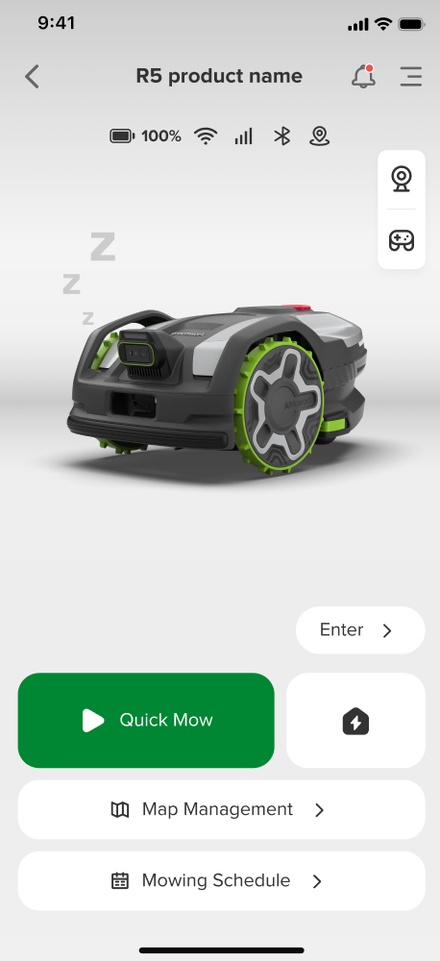
Set up your AiMowbot, create lawn boundaries and no-go zones, check mowing progress, and start, pause or stop the mower from one streamlined app.
Choose an app
Download options for AiMowbot SMART
Store availability and operating-system requirements can vary by region. Use the official listings above for current compatibility.

Scan to download
Choose your phone platform
AiMowbot SMART
One app for setup, maps and mower control.
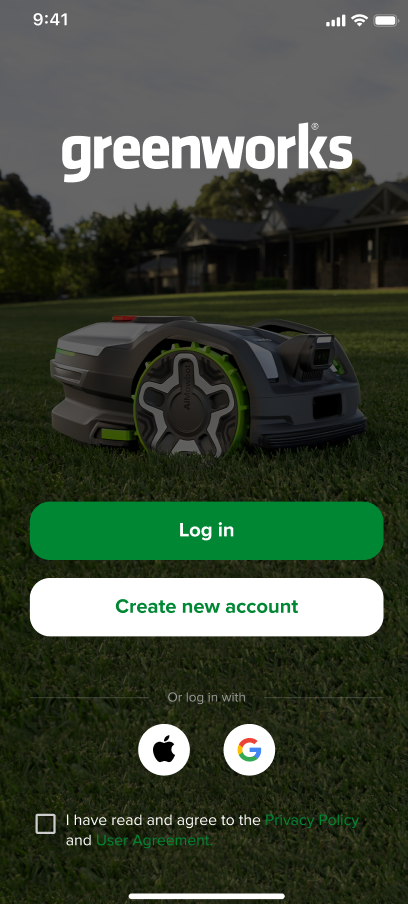
The mower visual uses the supplied Greenworks product image. App interface elements are presentation mockups and may change with software updates.
One connected workflow
From first setup to every mow.
Use the app to guide installation, define the lawn, review live mower status and adjust common mowing controls without crowding the download page with technical detail.
01
Guided setup
Follow a clear step-by-step flow to connect the mower and prepare it for mapping.
02
Map & zones
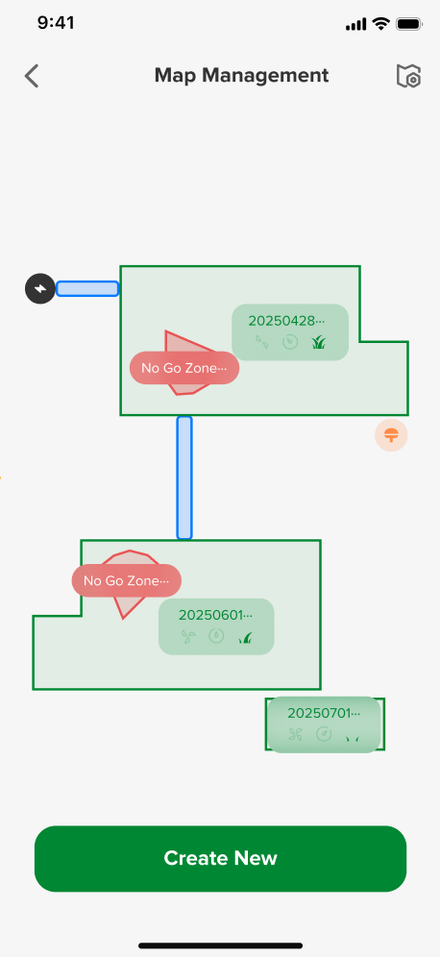
Create lawn boundaries, no-go zones and multiple mowing areas directly from the phone.
03
Live status
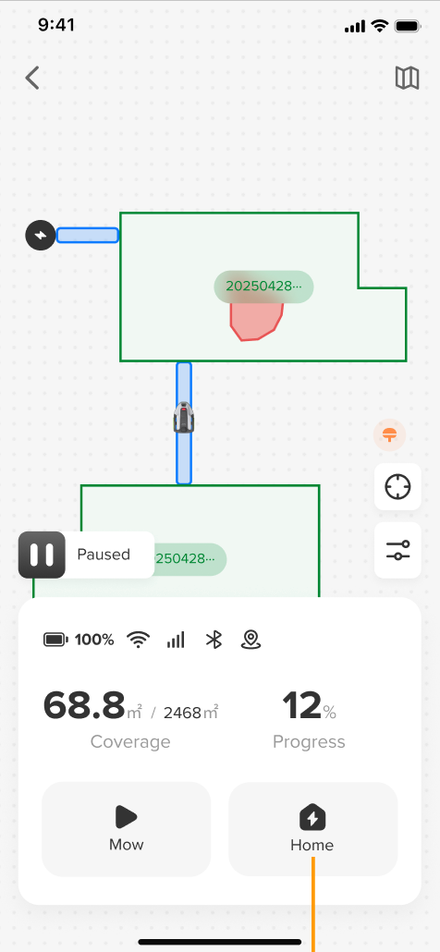
Check what the mower is doing and review mowing progress from the main device screen.
04
Simple control
Start, pause or stop mowing, then adjust settings such as cut height and work mode.
AiMowbot support
Need help connecting your mower?
Keep your mower model, app version and phone operating system ready when contacting support.